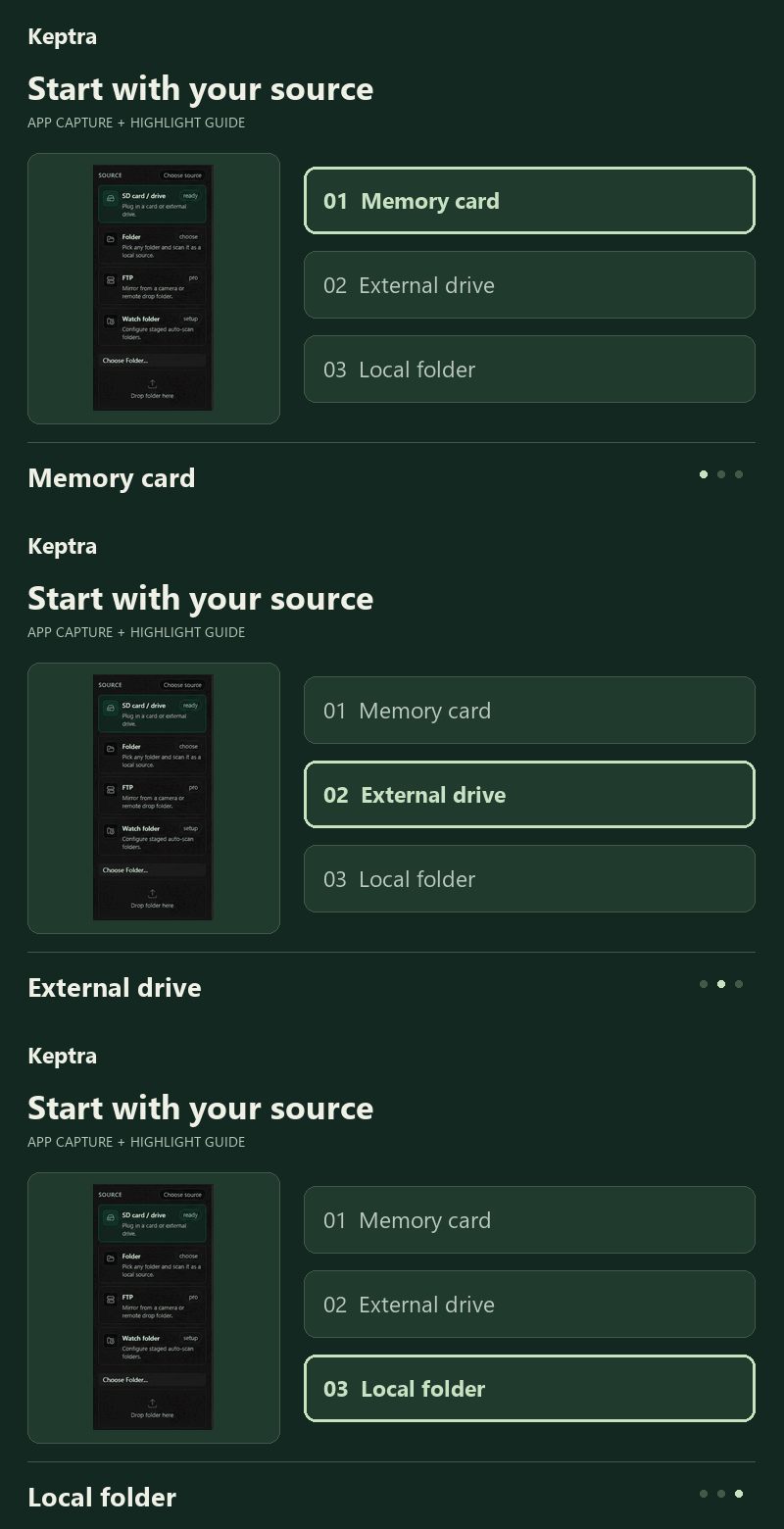
Start with your source.
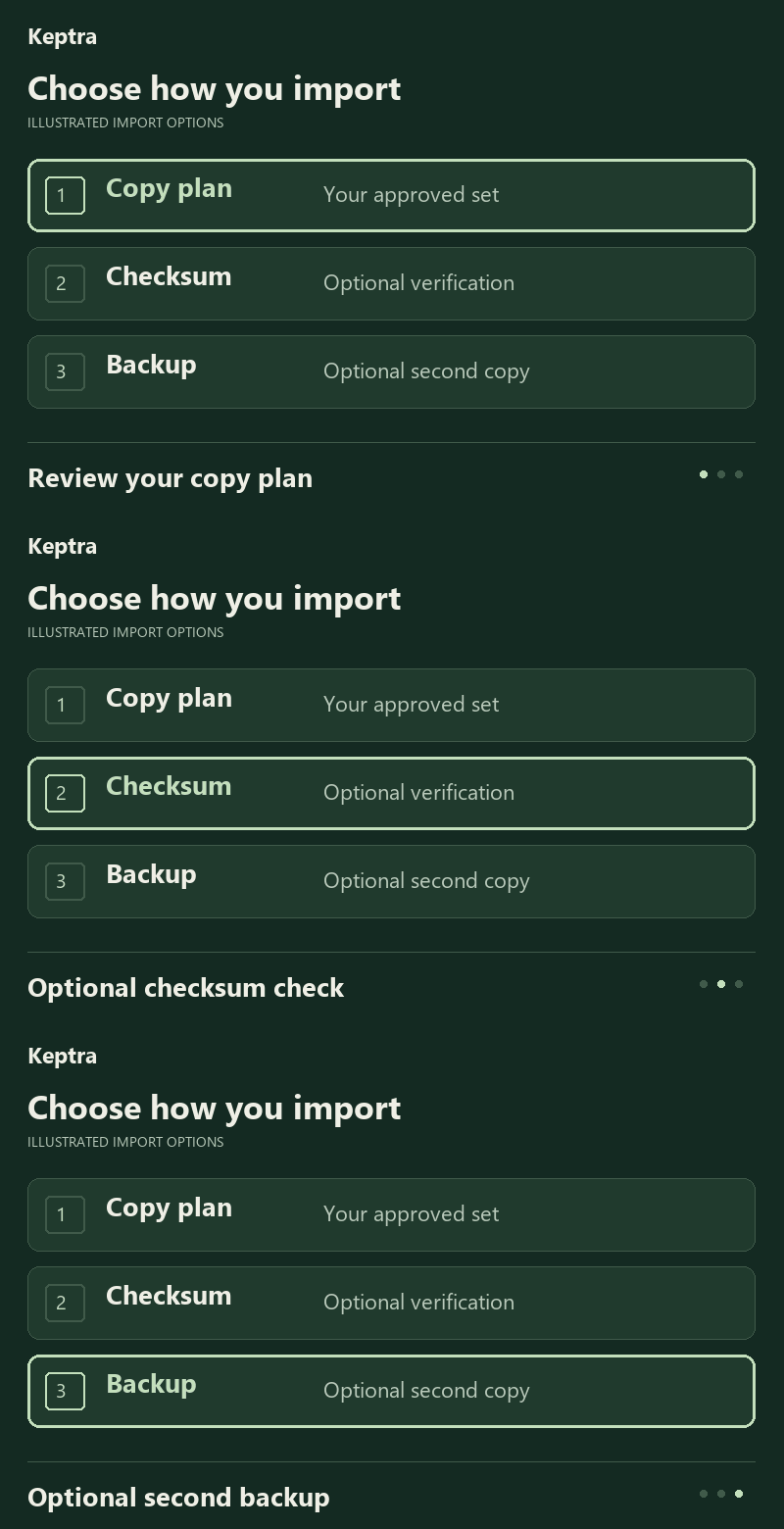
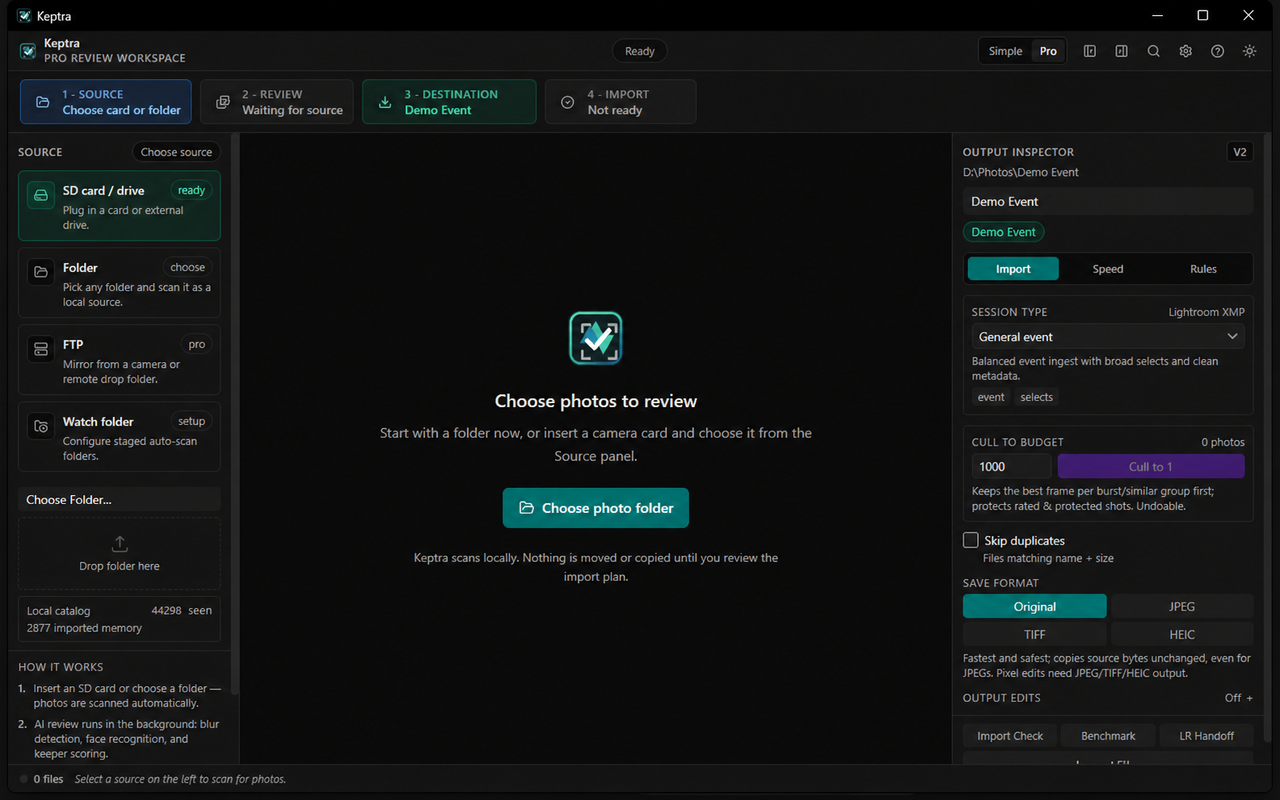
Choose a card, drive, or folder. Browse the shoot before deciding what to bring into your archive.
SD cardExternal driveFolder
PHOTO CULLING & VERIFIED INGEST
Windows + macOSFrom a full card to the photographs worth keeping. Review your shoot, choose your selects, and bring them home with confidence.
7-day Pro trial. Free browsing and manual culling remain available.
Your photos stay local.
Review and analysis run on your computer.
Review without changing originals.
Picks and ratings leave source files untouched.
You approve the copy.
Check the destination before import.
BRING HOME THE KEEPERS
A one-minute product overview, from reviewing a shoot to organizing your selects and continuing the edit.
The shoot is done. The whole card doesn't need to come home. Meet Keptra. Review before you import. Start with a card, drive, folder, or FTP source and see your shoot in one clear workspace. Group bursts and similar frames. Compare the contenders. Pick your keepers, reject the misses, and rate your favorites with familiar keyboard shortcuts. Local analysis surfaces useful review signals. Your photos stay on your computer, your originals stay untouched during review, and the final call stays yours. Preview the import plan. Copy your approved selection into organized folders with optional checksum verification and a second local backup. Then continue into your editing workflow. Less sorting, more creating. Download Keptra for Windows and macOS. Start reviewing free and unlock verified import with Pro.
LESS ADMIN. MORE INTENTION.
A connected workflow for the decisions between taking a photograph and starting the edit.
Choose a card, drive, or folder. Browse the shoot before deciding what to bring into your archive.
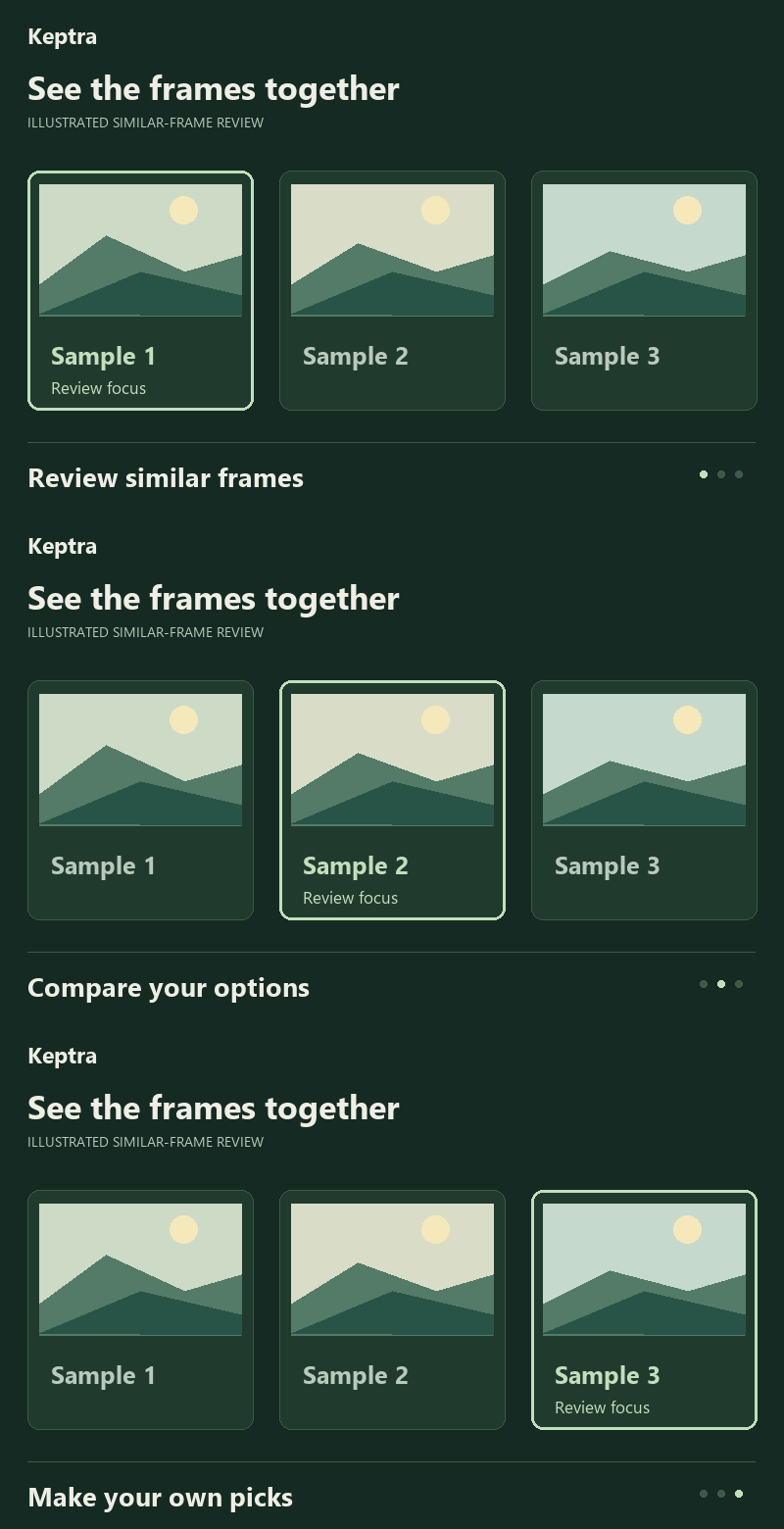
Review bursts and similar frames, use local analysis as a guide, and make your own picks, rejects, and ratings.
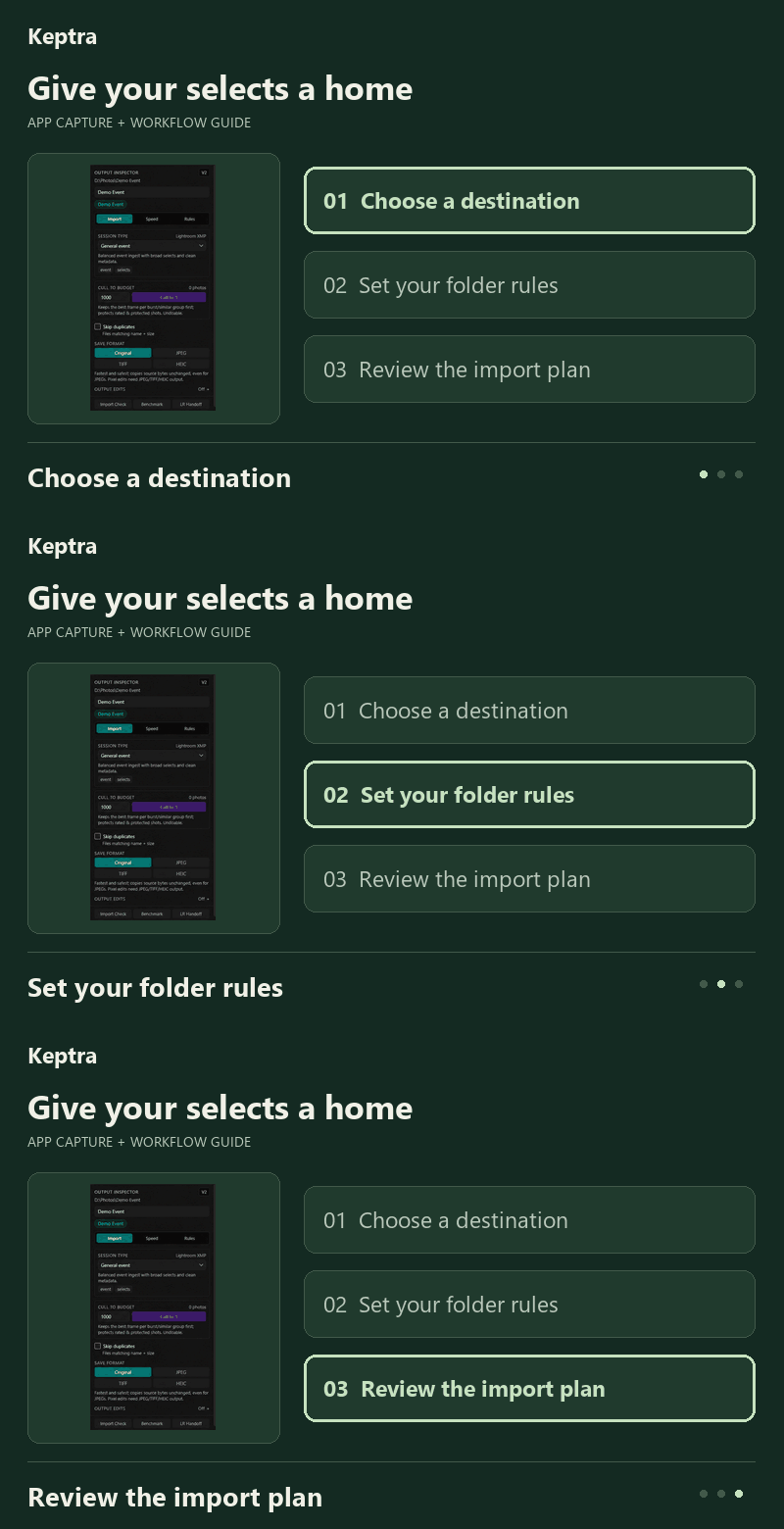
Choose folder rules, preview the import, and copy your approved set with optional checksum verification and a backup.
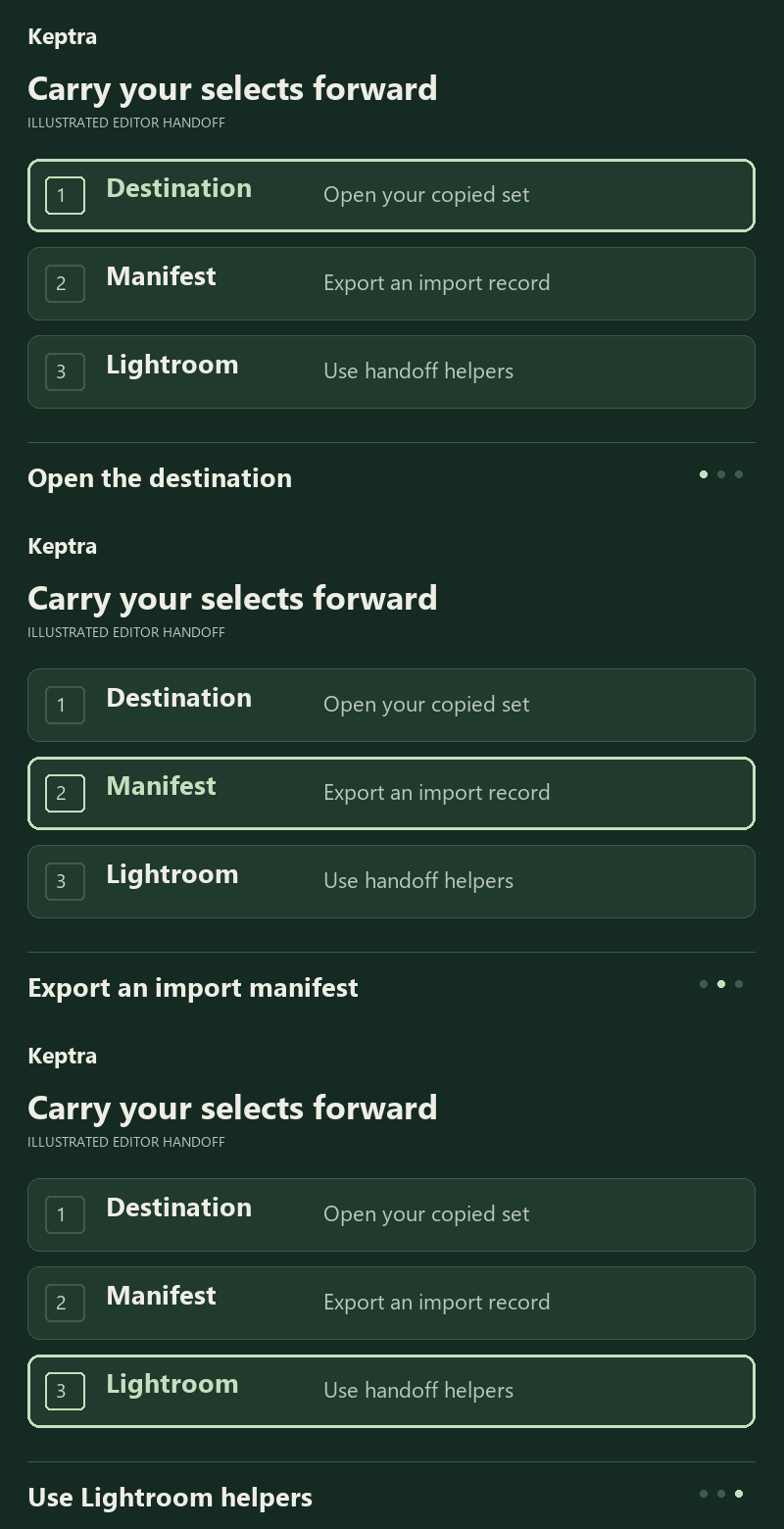
Open your destination, export an import manifest, or use the Lightroom handoff helpers to carry the selection forward.
SMALL LOOPS. A CLEARER WORKFLOW.
Explore Keptra one feature at a time. Short GIF guides use existing app captures and clearly labelled illustrations.
Each loop lasts six seconds. Every feature is also explained in text.Static previews available with or without JavaScript.
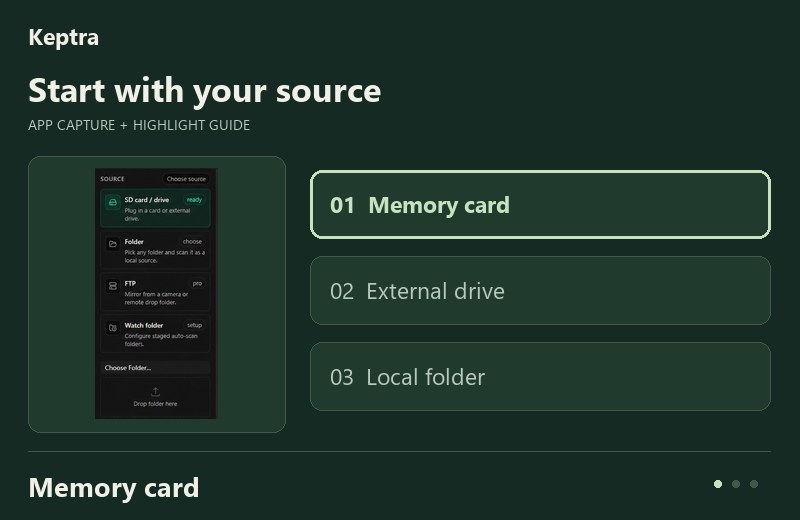
Choose a card, drive, or folder. Browse your shoot before copying.
Existing app capture with explanatory highlights; not a recording.
Download source GIF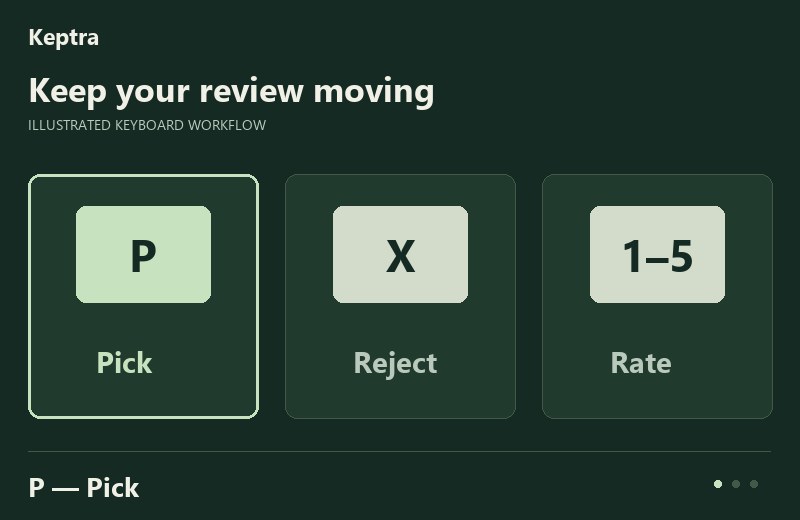
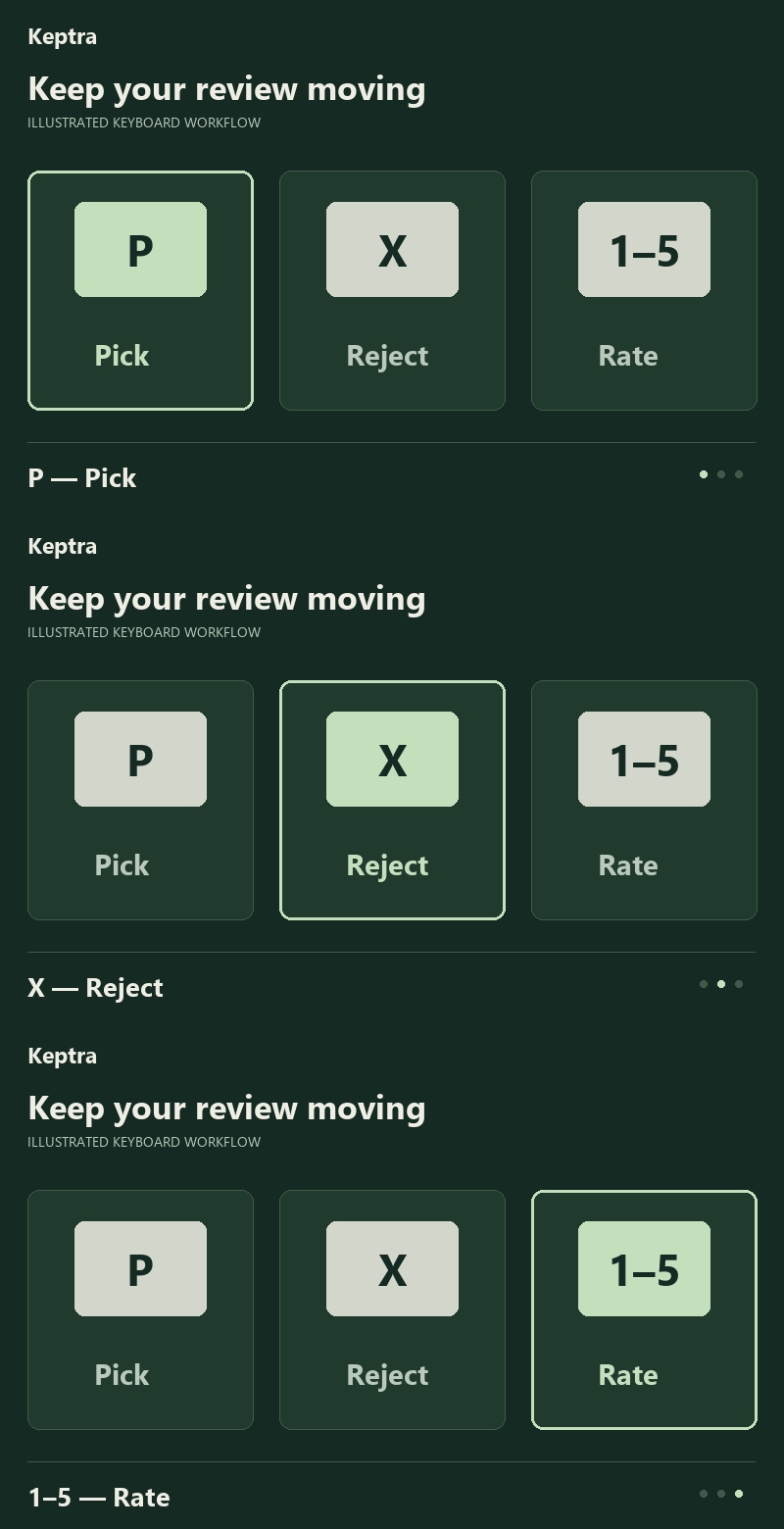
Mark picks, rejects, and ratings with keyboard controls. Your source files stay untouched.
Original workflow illustration; not application footage.
Download keyboard GIF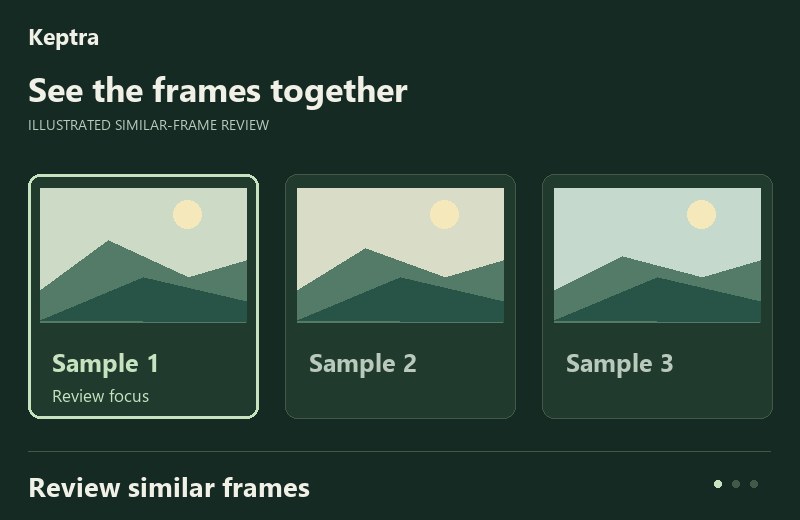
Review bursts and similar frames. Local analysis can guide your attention; you choose what stays.
Original illustrated sample frames; not client photos or application footage.
Download similar GIF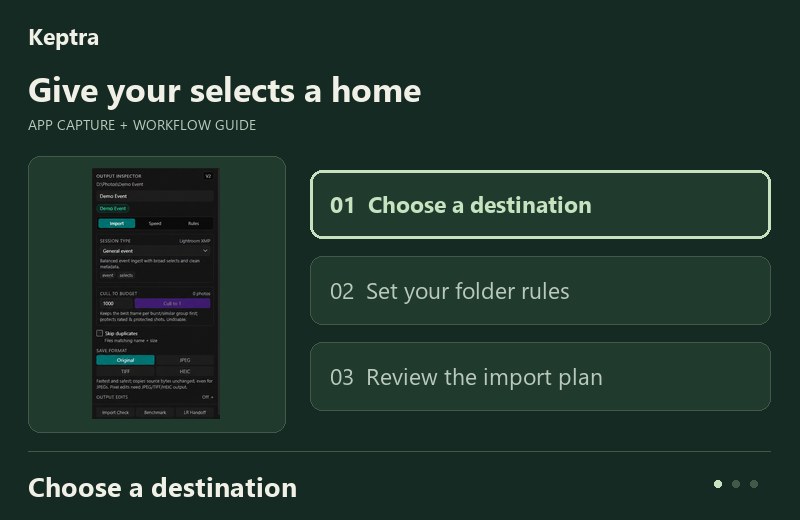
Choose a destination and folder rules, then use Import Check to inspect the plan before copying.
Existing destination-panel capture plus workflow labels; not a recording.
Download folders GIF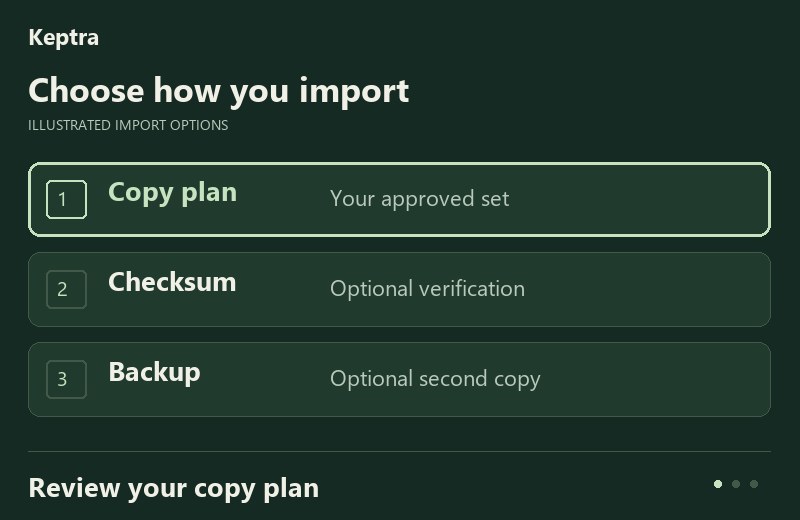
Copy your approved set with optional checksum verification and a second backup destination.
Original workflow illustration; no import or verification is performed.
Download verification GIF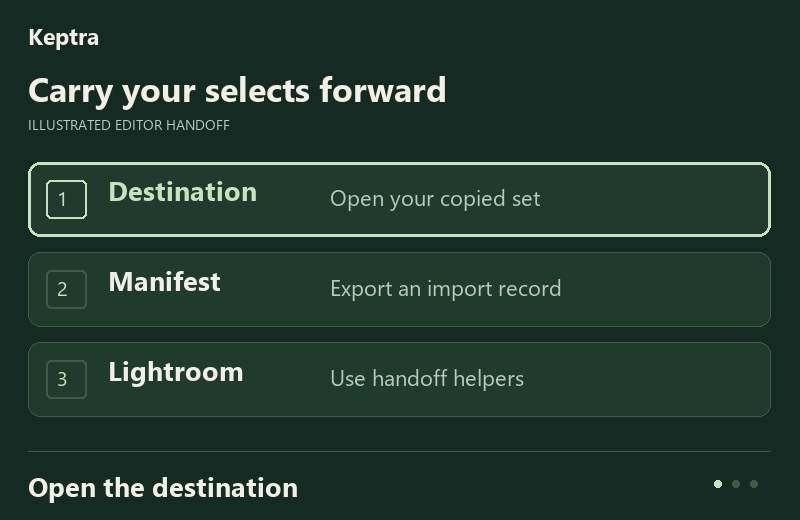
Continue from your destination folder, export an import manifest, or use Lightroom handoff helpers.
Original workflow illustration; not application footage.
Download handoff GIFBUILT AROUND YOUR DECISIONS
Let the software help you see the options. Keep the judgment that makes the work yours.
Sharpness, face detail, bursts, and similar-frame grouping help you decide where to look next.
Keyboard picks, rejects, ratings, and filters give you a familiar way through the shoot.
Inspect the import plan, handle destination conflicts, and choose whether to verify and back up.
START WITH YOUR NEXT SHOOT
Free browsing and manual culling. Pro adds verified import and the full workflow. Prices load live in AUD.
Already have a timed license? Manage, renew, or add devices.
A FEW GOOD QUESTIONS
Photo review and analysis run locally. An internet connection may be used for initial model downloads, licensing, updates, or online checkout.
Browse photographs and manually cull with picks, rejects, and ratings. Verified import and the full workflow are available with Pro. Check the live pricing above for trial details.
Keptra helps you review, organize, and import. Continue your edit in your preferred editor; Lightroom handoff helpers and import manifests support the next step.
Email help@z2hs.au or manage your existing license.
MAKE ROOM FOR THE KEEPERS
Available for Windows and macOS.